Your phone is overflowing. Not with photos or messages—but with apps, notifications, and digital noise that drain your attention and peace of mind. If you’ve ever opened your phone and felt overwhelmed by the sheer volume of icons, alerts, and distractions, you’re not alone. Digital minimalism: how to declutter your phone isn’t just a trend—it’s a necessary reset for anyone craving focus, clarity, and control in a hyperconnected world.
This guide cuts through the clutter. We’ll walk you through practical, no-fluff steps to simplify your device, reduce digital overload, and reclaim your attention. Whether you’re battling endless social media scrolls, redundant apps, or notification fatigue, this is your roadmap to a cleaner, calmer mobile experience.
Why Decluttering Your Phone Matters More Than You Think
Most people don’t realize how much mental energy their phone consumes. Every app icon, every unread notification, every auto-playing video subtly pulls at your focus. Research shows that even the *presence* of a smartphone can reduce cognitive capacity—even when it’s turned off.
Decluttering your phone isn’t about going offline. It’s about intentional use. Digital minimalism means keeping only what serves a clear purpose and removing everything that doesn’t. The result? Less stress, better sleep, improved productivity, and more meaningful screen time.
Think of your phone like a physical workspace. A cluttered desk slows you down. A clean one helps you think. The same logic applies to your digital space.
Step-by-Step: How to Declutter Your Phone Like a Pro
1. Audit Your Apps: Keep Only What You Use Weekly
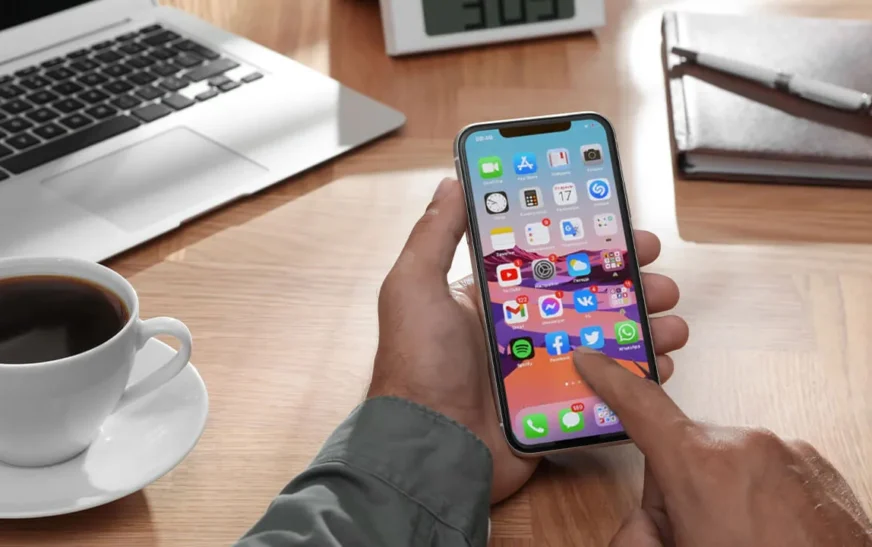
Start by opening your app drawer or home screen. Ask yourself: *When was the last time I used this?* If it’s been more than seven days, it’s time to consider deleting it.
- Delete unused apps: Uninstall anything you haven’t opened in a week. Be ruthless—even “just-in-case” apps add visual noise.
- Group similar apps: Use folders to organize remaining apps (e.g., “Finance,” “Health,” “Travel”). This reduces screen clutter and makes finding what you need faster.
- Hide rarely used apps: On iPhone, use the App Library to tuck away apps you need but don’t use daily. On Android, use the “Hide” feature in your launcher settings.
Pro tip: Set a recurring calendar reminder every 30 days to repeat this audit. Digital clutter creeps back fast.
2. Tame Your Notifications: Silence the Noise
Notifications are the #1 attention thief. The average person checks their phone 96 times a day—many of those triggered by alerts.
Go to your phone’s settings and review notification permissions. Disable alerts for:
- Social media apps (Instagram, TikTok, Facebook)
- News and entertainment apps
- Shopping and deal alerts
- Games and lifestyle apps
Keep only essential notifications: calls, texts, calendar events, and security alerts. For messaging apps like WhatsApp or Telegram, consider turning off previews so content isn’t visible on the lock screen.
Bonus: Enable “Do Not Disturb” during work hours or sleep. You’ll be amazed how much calmer your day feels.
3. Clean Up Your Home Screen: Less Is More
Your home screen should be a launchpad—not a dumping ground. Aim for one page max. Here’s how:
- Remove duplicate apps: Do you really need both Google Maps and Waze? Pick one.
- Use widgets wisely: A weather widget is useful. A news ticker that updates every 10 minutes? Not so much.
- Prioritize essentials: Keep only your most-used apps (phone, messages, camera, notes) on the first screen.
On iPhone, use the “App Library” to auto-organize apps. On Android, try a minimalist launcher like Niagara or Lawnchair for a cleaner interface.
Visual minimalism = mental clarity. A clean home screen reduces decision fatigue and helps you open your phone with purpose.
4. Declutter Your Photos and Files
Your camera roll is probably a graveyard of screenshots, duplicate selfies, and forgotten memes. Time to clean it up.
- Delete blurry or redundant photos: Use your phone’s “Duplicate” detection tool (available on iOS and many Android devices).
- Organize with albums: Create folders for trips, events, or projects. This makes finding photos easier and reduces visual chaos.
- Clear your downloads folder: That PDF you downloaded six months ago? It’s probably not needed anymore.
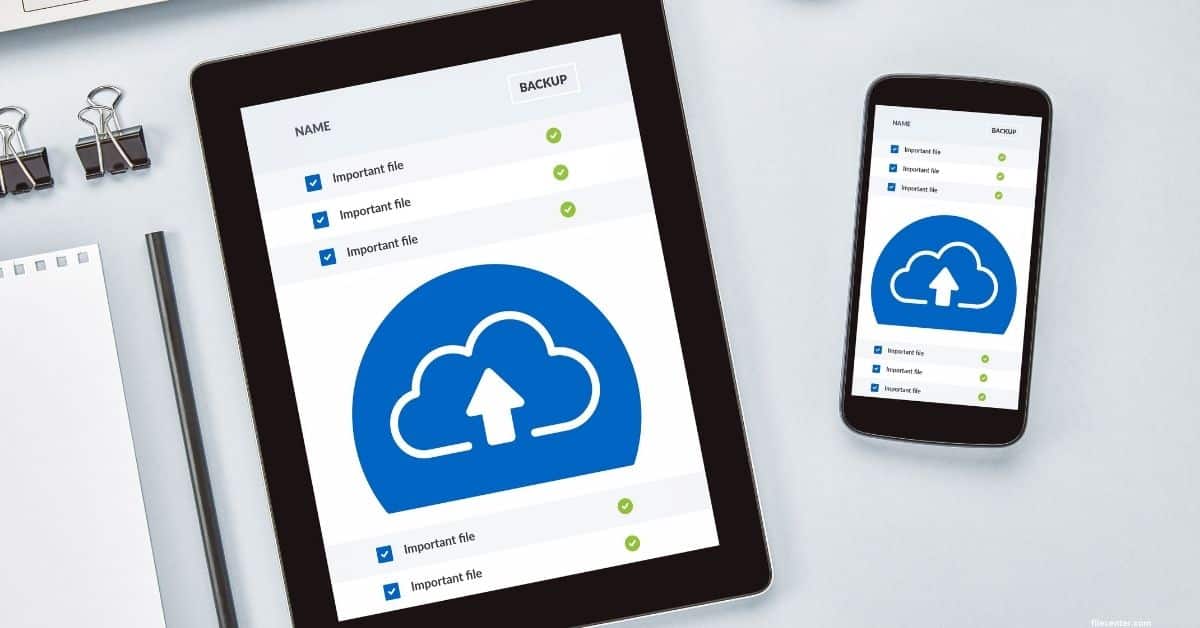
Set a monthly reminder to review and clean your photos. Use cloud storage (Google Photos, iCloud) to back up and delete local copies, freeing up space.
5. Streamline Your Subscriptions and Accounts
How many apps are linked to accounts you no longer use? Old streaming services, forgotten fitness apps, or trial subscriptions you never canceled?
Go through your app list and:
- Log out of unused accounts: This improves security and reduces login prompts.
- Cancel inactive subscriptions: Check your bank statements or Apple/Google subscription pages.
- Delete saved passwords: Use a password manager like Bitwarden or 1Password to store only active logins.
Fewer accounts = less digital baggage. You’ll also reduce the risk of data breaches from forgotten services.
The Psychology Behind Digital Minimalism
Why does decluttering your phone feel so good? It’s not just about space—it’s about mental freedom.
Digital minimalism is rooted in the idea that technology should serve us, not the other way around. When your phone is full of distractions, it becomes a source of anxiety. When it’s streamlined, it becomes a tool.
Studies show that people who practice digital minimalism report higher levels of focus, lower stress, and improved relationships. They’re less likely to experience “phantom vibration syndrome” (feeling your phone buzz when it didn’t) and more likely to engage in real-world activities.
Think of your phone as a garden. Without weeding, it becomes overgrown. With regular care, it blooms.
Common Mistakes to Avoid When Decluttering
Even with the best intentions, people often slip up. Here are the top pitfalls—and how to avoid them:
- Keeping apps “just in case”: If you haven’t used it in a month, you probably won’t. Delete it.
- Ignoring hidden clutter: Check your storage settings. Old backups, cached data, and system files can take up gigabytes.
- Not setting boundaries: Decluttering once isn’t enough. Make it a habit.
- Overloading with productivity apps: Having five to-do list apps defeats the purpose. Pick one and stick with it.
Remember: Minimalism isn’t about deprivation. It’s about intentionality.
Tools to Help You Stay Decluttered
You don’t have to do this alone. These tools make digital minimalism easier:
- Freedom or Cold Turkey: Block distracting apps and websites during focus sessions.
- Forest: Gamifies focus by growing a virtual tree when you stay off your phone.
- Google Digital Wellbeing (Android) / Screen Time (iOS): Track usage and set app timers.
- Cleaner apps like CCleaner or Phone Cleaner: Automatically remove junk files and duplicates.
Use these tools to support your habits—not replace them. The goal is awareness, not automation.
How to Maintain a Decluttered Phone Long-Term
Decluttering isn’t a one-time event. It’s a lifestyle. Here’s how to keep your phone clean:
- Weekly 5-minute reset: Every Sunday, delete unused apps, clear notifications, and organize your home screen.
- One-in, one-out rule: Before downloading a new app, delete an old one.
- Turn off auto-downloads: Prevent apps from installing updates or content without your permission.
- Use grayscale mode: Switching your screen to black and white reduces the appeal of colorful, distracting apps.
Consistency beats perfection. Small, regular actions keep digital clutter at bay.
Key Takeaways: Declutter Your Phone, Reclaim Your Focus
- Digital minimalism means keeping only what adds value and removing everything else.
- Start by auditing apps, silencing notifications, and cleaning your home screen.
- Declutter photos, files, and accounts to reduce digital baggage.
- Use tools and habits to maintain a clean phone long-term.
- The result? Less stress, more focus, and a phone that works *for* you—not against you.
FAQ: Digital Minimalism and Phone Decluttering
Q: How often should I declutter my phone?
A: Aim for a full declutter every 30 days, with a quick 5-minute reset each week. This keeps digital clutter from building up.
Q: What if I delete an app and later need it?
A: You can always reinstall it. But ask: *Did I really miss it?* Most “just-in-case” apps go unused for months—or forever.
Q: Can decluttering my phone improve my mental health?
A: Absolutely. Reducing digital noise lowers anxiety, improves sleep, and helps you stay present. Many users report feeling calmer and more in control after decluttering.
Final Thoughts: Your Phone, Your Rules
Your phone is one of the most powerful tools you own. But power comes with responsibility. When it’s cluttered, it becomes a source of distraction. When it’s clean, it becomes an extension of your intention.
Digital minimalism isn’t about rejecting technology. It’s about using it wisely. By decluttering your phone, you’re not just organizing icons—you’re reclaiming your attention, your time, and your peace of mind.
Start today. Delete one app. Turn off one notification. Take back control. Your future self will thank you.