You’ve heard the word “cloud” a thousand times—on your phone, your child’s tablet, even your smart fridge. But what does it really mean? If you’re a parent scratching your head every time your teen says, “It’s saved in the cloud,” you’re not alone. The cloud isn’t some magical sky storage or a secret tech club. It’s simply a way to store and access your photos, videos, schoolwork, and apps over the internet—instead of just on your device. And yes, it’s safe, convenient, and here to stay.
Understanding the cloud doesn’t require a computer science degree. Think of it like a digital locker that you can open from anywhere—your home laptop, your kid’s school Chromebook, or even your phone at the grocery store. Whether you’re backing up family photos, sharing homework files, or streaming your favorite show, the cloud is quietly working behind the scenes. This guide breaks it down in plain English, so you can finally feel confident—not confused—when your child asks, “Can I upload this to the cloud?”
Why Should Parents Care About the Cloud?
Let’s be honest: most parents didn’t grow up with cloud technology. We saved files on floppy disks, burned CDs, and prayed our USB drives wouldn’t get lost. But today’s kids are digital natives—they expect instant access to their work, games, and social lives from any device. As a parent, understanding the cloud helps you protect your family’s digital life, support your child’s education, and avoid common pitfalls like lost homework or hacked accounts.
The cloud also plays a big role in modern parenting tools. From school portals and online report cards to shared family calendars and photo albums, cloud-based services keep your household running smoothly. Plus, many schools now use cloud platforms like Google Classroom or Microsoft Teams for assignments and communication. If you don’t know how these work, you might miss important updates or struggle to help your child with remote learning.
And let’s not forget safety. The cloud isn’t just about convenience—it’s also about security. When used correctly, cloud storage can protect your family’s data from device crashes, theft, or accidental deletion. But it also comes with risks, like weak passwords or oversharing. That’s why knowing the basics isn’t just helpful—it’s essential.
How Does the Cloud Actually Work?
Imagine you’re at a coffee shop, and your child needs to finish a school project. Instead of emailing files back and forth or carrying a USB drive, they open their laptop, log into their account, and pull up their essay—already saved and ready to edit. That’s the cloud in action.
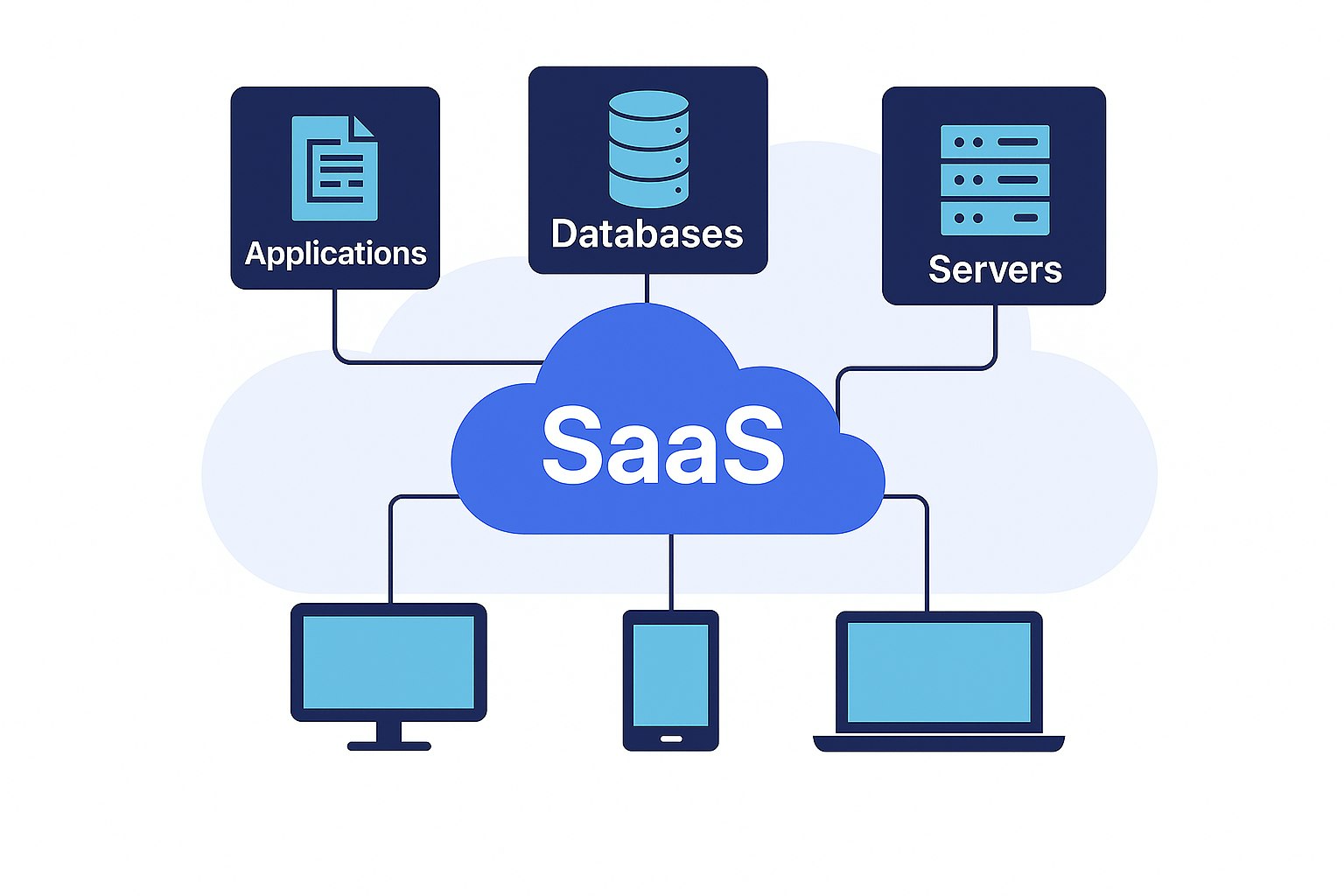
Behind the scenes, your data isn’t floating in the sky. It’s stored on powerful computers in secure data centers around the world. When you upload a photo or document to a cloud service like Google Drive, iCloud, or OneDrive, it gets sent over the internet to one of these centers. From there, you (or anyone you share it with) can access it from any device with an internet connection.
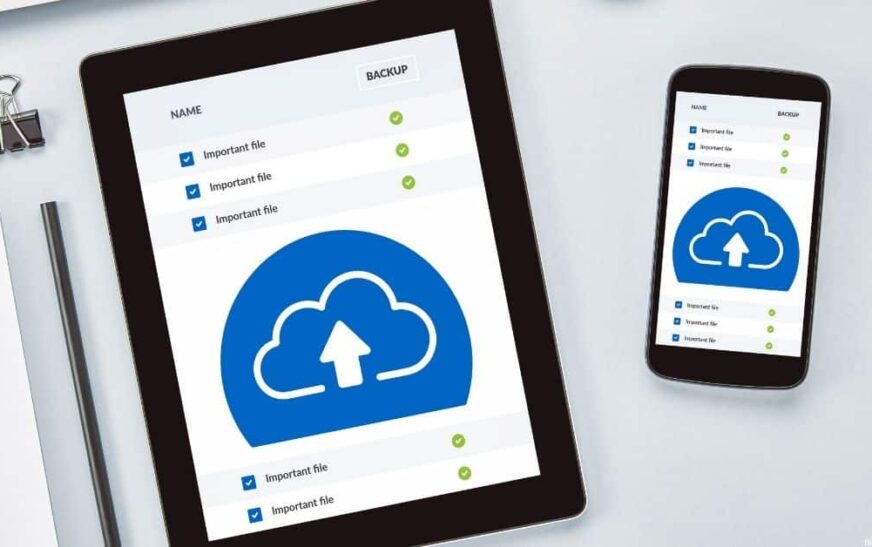
This process happens in seconds and often automatically. For example, when your child takes a photo on their phone, it can instantly back up to the cloud so it’s not lost if the phone breaks. Similarly, when they start typing a report on a school computer, their work saves in real time—no need to hit “save” or worry about losing progress.
Cloud Storage vs. Cloud Computing: What’s the Difference?
You might hear both terms used, but they’re not the same. Cloud storage is what most families use daily—services like Google Photos, Dropbox, or iCloud that save your files online. It’s like a digital filing cabinet.
Cloud computing, on the other hand, refers to using remote servers to run apps or process data. For example, when your child plays an online game or uses a web-based app like Canva or Khan Academy, they’re using cloud computing. The heavy lifting happens on servers far away, not on their device.
As a parent, you’ll mostly interact with cloud storage, but it’s good to know both exist. They often work together—your child’s school app might use cloud computing to deliver lessons and cloud storage to save their completed work.
Popular Cloud Services Every Parent Should Know
Not all clouds are created equal. Different services offer different features, pricing, and levels of security. Here are the most common ones you’ll encounter as a parent:
- Google Drive: Free with a Google account, integrates with Gmail, Google Docs, and Google Photos. Great for schoolwork and family collaboration.
- iCloud: Apple’s cloud service. Automatically backs up iPhones, iPads, and Macs. Ideal if your family uses Apple devices.
- OneDrive: Microsoft’s cloud platform. Works seamlessly with Office apps like Word and Excel. Often used in schools and workplaces.
- Dropbox: Simple, reliable file sharing and storage. Popular for personal use and small teams.
- Amazon Photos: Free unlimited photo storage for Prime members. Good for backing up family memories.
Many of these services offer free tiers with limited storage (usually 5–15 GB). If your family takes a lot of photos or has multiple users, you might need to upgrade to a paid plan. But don’t worry—most are affordable, often under $10 per month.
Which Cloud Service Is Best for Families?
The best choice depends on your devices and needs. If everyone in your household uses iPhones and Macs, iCloud is the natural fit. If your kids use Chromebooks for school, Google Drive will be more convenient. For mixed-device families, OneDrive or Dropbox offer good cross-platform support.
Also consider ease of use. Some parents prefer Google’s simple interface, while others like Apple’s seamless integration. Try a few free options and see what feels intuitive for your family.
Safety First: How to Keep Your Family’s Data Secure in the Cloud
The cloud is convenient, but it’s not risk-free. Hackers, data breaches, and accidental sharing are real concerns. The good news? Most risks can be avoided with a few smart habits.
Start with strong passwords. Avoid common choices like “password123” or your child’s birthday. Use a mix of letters, numbers, and symbols—or better yet, use a password manager like Bitwarden or 1Password to generate and store secure passwords.
Enable two-factor authentication (2FA) wherever possible. This adds an extra layer of security by requiring a code from your phone when logging in. Even if someone guesses your password, they can’t access your account without that code.
Be careful what you share. Just because a file is in the cloud doesn’t mean it’s private. Avoid uploading sensitive documents like Social Security cards or medical records unless absolutely necessary. And never share login details with friends or classmates—even if they promise to “just look.”
Teaching Kids About Cloud Safety
Your children are the ones using these services daily, so they need to understand the rules too. Talk to them about:
- Never sharing passwords, even with close friends.
- Checking who has access to shared files before uploading.
- Reporting suspicious emails or login attempts.
- Understanding that “deleted” files may still exist in the cloud.
Make it a family conversation, not a lecture. Ask them how they use the cloud at school and what they find confusing. This builds trust and helps you guide them responsibly.
Real-Life Uses of the Cloud for Parents and Kids
The cloud isn’t just for techies—it’s a practical tool for everyday family life. Here are some common ways parents and kids use it:
- Backing up photos and videos: No more lost memories because a phone was dropped in the pool. Cloud backups happen automatically when connected to Wi-Fi.
- Collaborating on school projects: Kids can work together on presentations in real time, even if they’re at different houses.
- Accessing homework from anywhere: Forgotten notebook at school? No problem—just log in and print from home.
- Sharing family calendars: Sync everyone’s schedules so you never miss a soccer game or dentist appointment.
- Streaming movies and music: Services like Netflix, Spotify, and Disney+ rely on the cloud to deliver content instantly.
Even bedtime stories are going digital. Apps like Epic! or Kindle Unlimited let kids read thousands of books stored in the cloud—no heavy backpacks or library trips needed.
The Cloud in Education: What Parents Need to Know
Schools are increasingly moving to cloud-based learning platforms. If your child uses Google Classroom, Seesaw, or Schoology, they’re already interacting with the cloud daily.
These platforms let teachers post assignments, grade work, and communicate with families—all in one place. As a parent, you can often create a guardian account to monitor progress, receive alerts, and view completed work.
But it’s not just about convenience. Cloud-based learning supports personalized education. Teachers can assign different tasks based on each student’s level, and kids can learn at their own pace. Plus, resources like videos, quizzes, and interactive lessons are available 24/7.
The downside? It requires reliable internet and devices. If your home has spotty Wi-Fi or only one shared tablet, remote learning can be stressful. Talk to your school about support options, like loaner devices or offline assignments.
Myths About the Cloud—Busted
There’s a lot of misinformation out there. Let’s clear up some common myths:
- Myth: The cloud is unsafe. Fact: Reputable cloud services use encryption and security measures far stronger than most home networks. Your data is often safer in the cloud than on a personal device.
- Myth: You lose control of your data. Fact: You always own your files. You decide who can access them and can delete them anytime.
- Myth: The cloud is expensive. Fact: Many services offer generous free plans. Paid upgrades are usually under $10/month—less than a streaming subscription.
- Myth: You need to be tech-savvy to use it. Fact: Most cloud apps are designed for everyday users. If you can use email, you can use the cloud.
Don’t let fear hold your family back. With basic knowledge and good habits, the cloud is a powerful ally—not a threat.
Key Takeaways: What Every Parent Should Remember
- The cloud is internet-based storage and computing—not magic, just smart technology.
- It helps families back up memories, collaborate on schoolwork, and stay organized.
- Popular services include Google Drive, iCloud, OneDrive, and Dropbox.
- Safety starts with strong passwords, two-factor authentication, and smart sharing.
- Teach your kids cloud basics to build digital responsibility.
- The cloud is already part of your child’s education—get involved to support their learning.
FAQ: Quick Answers to Common Parent Questions
Is the cloud safe for kids?
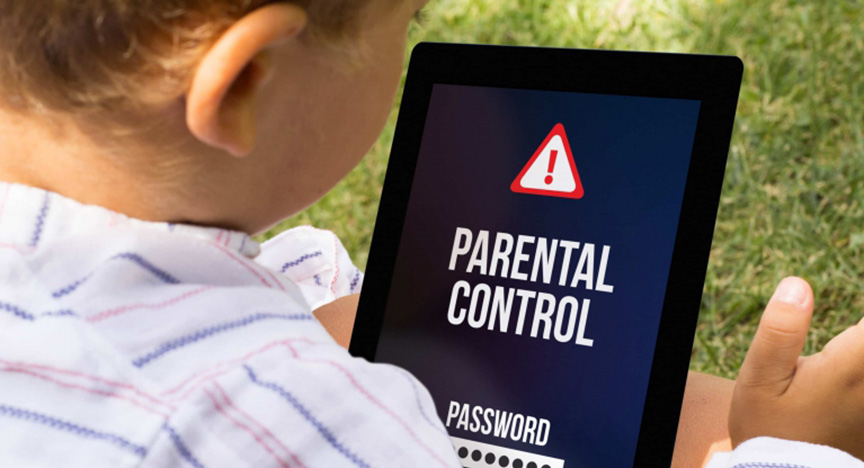
Yes, when used properly. Choose reputable services, enable security features, and teach your children about online safety. Most cloud platforms also offer parental controls to limit access and monitor usage.
Can I lose my files if I use the cloud?
It’s unlikely. Cloud services back up data across multiple servers. However, if you delete a file and empty the trash, it may be gone forever. Always double-check before deleting important items.
Do I need to pay for cloud storage?
Not necessarily. Most services offer free plans with limited storage (usually 5–15 GB). If your family takes many photos or has multiple users, a low-cost paid plan may be worth it for extra space and features.
Understanding the cloud doesn’t have to be overwhelming. It’s not about mastering every feature—it’s about knowing enough to keep your family safe, connected, and confident in a digital world. Start small: back up your photos, explore your child’s school platform, and talk openly about online habits. Before you know it, you’ll be the one explaining the cloud to other parents at the school gate.