Imagine turning your favorite YouTube videos—or even your own content—into polished, SEO-friendly blog articles in minutes. Sounds like magic? It’s not. With the right AI tools to turn YouTube videos into blog articles, this process is now faster, smarter, and more accessible than ever. Whether you’re a content creator, marketer, or blogger, repurposing video content into written form can dramatically boost your reach, engagement, and search engine visibility—without hours of manual transcription or rewriting.
This guide walks you through a step-by-step workflow using cutting-edge AI technology. You’ll learn how to extract audio, transcribe speech, clean up text, restructure content, and optimize it for readers and search engines—all with minimal effort. By the end, you’ll have a repeatable system to transform any YouTube video into a high-quality blog post that ranks, resonates, and converts.
Why Turn YouTube Videos Into Blog Articles?
Video is powerful, but it’s not the only format people consume. Many users prefer reading over watching—especially when they’re researching, multitasking, or on slow connections. Converting YouTube videos into blog articles gives you the best of both worlds: the engagement of video and the discoverability of text.
Here’s why this strategy works:
- SEO Boost: Search engines index text better than video. A blog post based on your video can rank for long-tail keywords, increasing organic traffic.
- Content Repurposing: One video can become multiple assets—blogs, social snippets, newsletters, and more.
- Accessibility: Not everyone can watch videos with sound. Transcripts and articles make your content inclusive.
- Evergreen Value: Blog posts have a longer shelf life than videos and can be updated easily.
- Audience Expansion: Readers and watchers are different audiences. Cross-format content captures both.
Step-by-Step: How to Use AI Tools to Turn YouTube Videos Into Blog Articles
Step 1: Choose the Right YouTube Video
Not every video is ideal for conversion. Look for content that’s informative, structured, and rich in detail. Tutorials, interviews, reviews, and educational explainers work best. Avoid videos that rely heavily on visuals, memes, or fast cuts—these are harder to translate into text.
Ask yourself:
- Does the video have a clear narrative or outline?
- Is the speaker easy to understand?
- Are there key points or takeaways that can be expanded?
Once you’ve picked your video, copy its URL. You’ll need it for the next step.
Step 2: Extract Audio Using AI-Powered Tools
Most AI transcription tools require audio input. Since YouTube doesn’t allow direct downloads, you’ll need a tool to extract the audio. Use a reputable, privacy-safe service like 4K Video Downloader or Y2Mate to download the video, then extract the audio using Audacity (free) or Adobe Audition.
Alternatively, some AI platforms now support direct YouTube URL processing. Tools like Descript or Otter.ai allow you to paste a YouTube link and automatically pull the audio for transcription—no downloads needed.
Pro tip: Choose MP3 or WAV format for best compatibility with AI transcription engines.
Step 3: Transcribe the Audio with AI
This is where AI shines. Manual transcription takes hours. AI does it in minutes—and often with high accuracy.
Top AI transcription tools include:
- Otter.ai: Great for real-time transcription and speaker identification. Offers a free tier with 300 minutes/month.
- Descript: Combines transcription with editing. You can edit the text and the audio syncs automatically.
- Rev.com: Offers both AI and human transcription. AI is fast and affordable; human is more accurate.
- Google Speech-to-Text: Free for developers via API. High accuracy, especially with clear audio.
Upload your audio file or paste the YouTube link, and let the AI generate a transcript. Most tools export in TXT, DOCX, or SRT format.
Step 4: Clean and Structure the Transcript
Raw transcripts are messy. They include filler words (“um,” “like”), repetitions, and lack paragraph breaks. This is where AI content editors come in.
Use tools like:
- Grammarly: Fixes grammar, improves clarity, and suggests tone adjustments.
- Hemingway Editor: Highlights complex sentences and passive voice for readability.
- Jasper (now Jasper AI): Can rephrase sections, summarize key points, and restructure content.
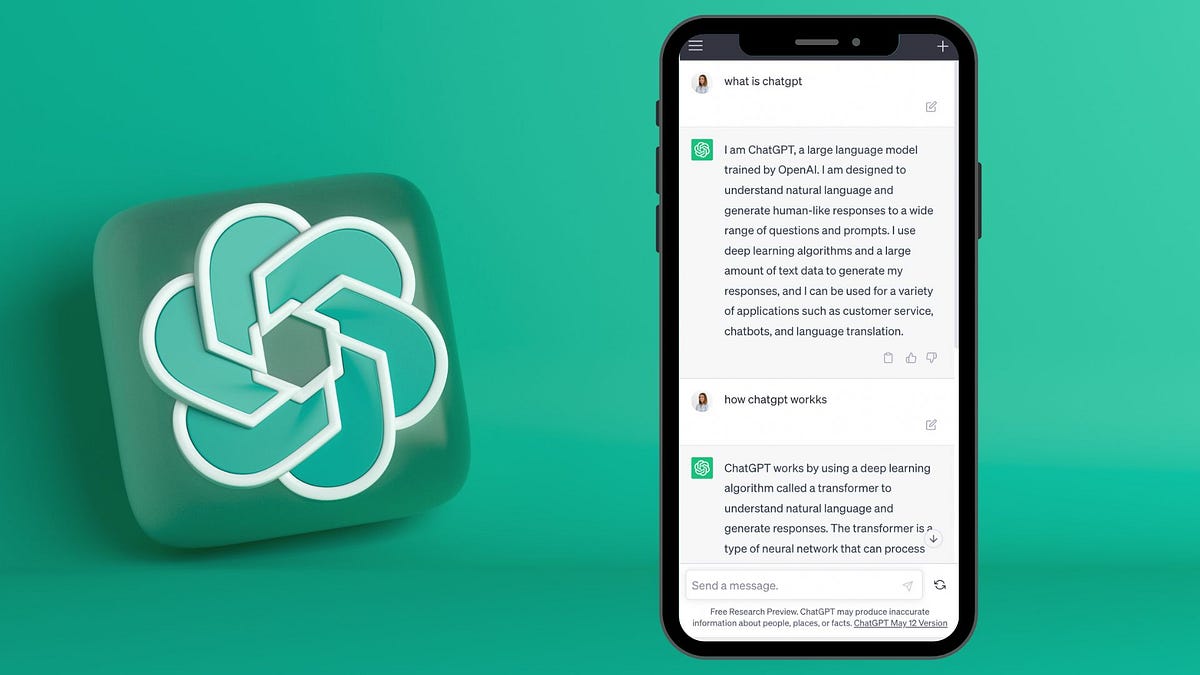
- ChatGPT (GPT-4): Paste the transcript and ask it to “rewrite this as a blog article with headings, bullet points, and a conclusion.”
For example, you could prompt ChatGPT:
“Convert this YouTube transcript into a 1,000-word blog article. Use H2 and H3 headings, short paragraphs, and include a key takeaways section. Optimize for SEO with natural keyword usage.”
The AI will restructure the content, remove redundancies, and format it like a professional blog post.
Step 5: Optimize for SEO and Readability
A great article isn’t just readable—it’s discoverable. Use SEO best practices to ensure your blog ranks.
Here’s how:
- Keyword Research: Use Ahrefs, SEMrush, or Ubersuggest to find related keywords. Include them naturally in headings, subheadings, and body text.
- Title Optimization: Craft a compelling, keyword-rich title. Example: “How to Use AI Tools to Turn YouTube Videos Into Blog Articles (Step-by-Step Guide)”.
- Meta Description: Write a 150-character summary with your main keyword to improve click-through rates.
- Internal Linking: Link to related blog posts on your site to boost SEO and keep readers engaged.
- Image Alt Text: Add descriptive alt text to any images you include (e.g., “AI tool converting YouTube video to blog article”).
Also, break up long blocks of text with:
- Bullet points
- Numbered lists
- Short paragraphs (2–3 sentences max)
- Bolded key phrases
This improves mobile readability and helps you win Google Featured Snippets.
Step 6: Add Visuals and Multimedia
Even though you’re turning video into text, visuals still matter. Enhance your blog with:
- Screenshots: Capture key moments from the original video.
- Infographics: Summarize steps or data visually using Canva or Piktochart.
- Embedded Video: Include the original YouTube video at the top of the article for viewers who prefer watching.
- Charts or Tables: Use Google Sheets or Tableau to visualize statistics mentioned in the video.
Visuals break up text, increase dwell time, and make your content more shareable.
Step 7: Publish and Promote
Once your article is ready, publish it on your WordPress blog or content management system. Use plugins like Yoast SEO or Rank Math to double-check optimization.
Then, promote it:
- Share on social media with a link to the blog.
- Email your subscribers with a “New Blog Post” update.
- Add a call-to-action (CTA) at the end: “Watch the full video here” or “Download the transcript PDF.”
- Repurpose snippets into Twitter threads, LinkedIn posts, or Instagram carousels.
This multi-channel approach maximizes reach and reinforces your content’s value.
Best AI Tools to Turn YouTube Videos Into Blog Articles
Here’s a curated list of AI tools that streamline the entire process:
| Tool | Best For | Price |
|---|---|---|
| Otter.ai | Fast transcription with speaker labels | Free tier; Pro: $10/month |
| Descript | All-in-one editing and transcription | Free tier; Creator: $15/month |
| ChatGPT (GPT-4) | Rewriting, structuring, and SEO optimization | $20/month (ChatGPT Plus) |
| Jasper AI | AI content generation and tone adjustment | Starts at $49/month |
| Grammarly | Grammar, clarity, and tone improvements | Free tier; Premium: $12/month |
| Canva | Creating visuals and infographics | Free tier; Pro: $15/month |
Many of these tools integrate with each other. For example, you can transcribe with Otter, edit with Descript, rewrite with ChatGPT, and design visuals in Canva—all in one seamless workflow.
Common Challenges and How to Overcome Them
Even with AI, you might face hurdles. Here’s how to tackle them:
1. Poor Audio Quality
If the YouTube video has background noise or muffled speech, transcription accuracy drops. Solution: Use AI noise reduction tools like Krisp or Adobe Podcast Enhance to clean the audio before transcription.
2. Accents and Technical Jargon
AI may mishear specialized terms or non-native accents. Fix this by:
- Reviewing the transcript manually for key terms.
- Adding a glossary or definitions in the blog.
- Using human proofreading for critical content.
3. Loss of Visual Context
Videos often rely on visuals—charts, demos, gestures. Compensate by:
- Adding detailed descriptions (“The screen shows a graph rising from 20% to 80%”).
- Including screenshots or annotated images.
- Linking to the original video for full context.
4. Copyright and Fair Use
Always respect copyright. If you’re converting someone else’s video:
- Seek permission when possible.
- Add proper attribution and link back to the source.
- Transform the content significantly—don’t just copy-paste.
For your own videos, you have full rights to repurpose content.
Key Takeaways
- AI tools make it fast and easy to turn YouTube videos into blog articles with minimal effort.
- The process involves: selecting a video, extracting audio, transcribing with AI, editing and structuring, optimizing for SEO, adding visuals, and publishing.
- Top tools include Otter.ai, Descript, ChatGPT, and Grammarly—each playing a key role in the workflow.
- SEO optimization, readability, and multimedia enhancement are critical for success.
- Always address audio quality, context loss, and copyright concerns.
FAQ
Can I legally turn someone else’s YouTube video into a blog post?
It depends. If you’re summarizing, critiquing, or transforming the content significantly (with proper attribution), it may fall under fair use. However, copying large portions without permission could violate copyright. When in doubt, ask for consent or focus on your own videos.
How accurate are AI transcription tools?
Most AI tools achieve 85–95% accuracy with clear audio. Accuracy drops with background noise, accents, or fast speech. Always review and edit the transcript before publishing.
Do I need to watch the entire video before converting it?
Not necessarily. AI can transcribe and summarize the content automatically. However, watching a portion helps you understand the tone, key points, and structure—leading to a better final article.
Final Thoughts
Turning YouTube videos into blog articles isn’t just a time-saver—it’s a strategic move. With AI tools, you can scale your content creation, reach new audiences, and dominate search rankings—all from a single video. The key is using the right tools in the right order, and always prioritizing quality and SEO.
Start small. Pick one video, follow the steps, and refine your process. Soon, you’ll have a content engine that works 24/7, turning every YouTube upload into a blog-ready masterpiece.