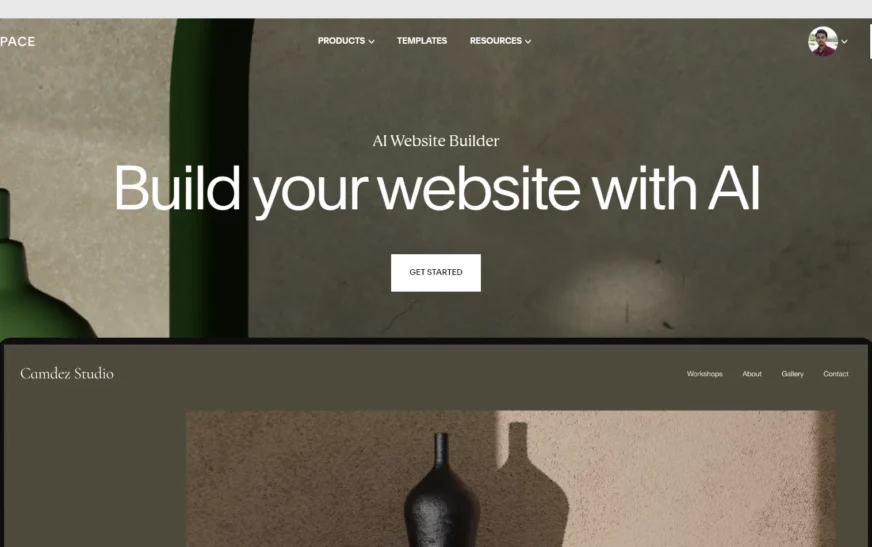
Imagine launching a fully functional, professional-looking website in just 10 minutes—no coding, no design headaches, and no technical jargon. Sounds too good to be true? It’s not. With the rise of AI website builders, creating a stunning site has never been faster or easier. Whether you’re a small business owner, freelancer, blogger, or entrepreneur, these smart tools let you go from idea to live website in under ten minutes. In this guide, we’ll walk you through exactly how to do it—step by step, tool by tool, and without breaking a sweat.
AI website builders use machine learning, natural language processing, and pre-designed templates to generate websites based on your input. You simply describe what you want, and the AI handles the rest—layout, colors, fonts, content suggestions, and even SEO optimization. The result? A polished, mobile-responsive site that’s ready to publish. No more waiting weeks for a developer or spending hundreds on web design. This is the future of web creation, and it’s here now.
Why AI Website Builders Are Changing the Game
Traditional website creation used to require hours of learning HTML, CSS, or wrestling with complex platforms like WordPress. Even drag-and-drop builders like Wix or Squarespace still demand time, creativity, and design sense. AI website builders eliminate those barriers by automating the entire process. They analyze your niche, target audience, and goals to generate a site that’s not just visually appealing but also optimized for performance and conversions.
These tools are especially powerful for time-strapped entrepreneurs. Need a portfolio site before a client meeting? Want to launch a landing page for a new product? AI builders can deliver in minutes. They also reduce human error—no more broken links, misaligned buttons, or slow-loading pages. The AI ensures consistency, speed, and responsiveness across all devices.
Moreover, many AI website builders now include built-in SEO tools, analytics, and e-commerce integration. This means your site isn’t just live—it’s ready to attract visitors, rank on Google, and start generating leads or sales from day one.
Top AI Website Builders That Deliver in 10 Minutes
Not all AI website builders are created equal. Some are faster, smarter, or more user-friendly than others. Here are the top platforms that consistently deliver high-quality websites in under 10 minutes:
- 10Web – Uses AI to recreate or build new WordPress sites with Elementor integration. Ideal for those who want the power of WordPress without the complexity.
- Durable – Known for its lightning-fast setup. Answer a few questions, and it generates a complete site with copy, images, and contact forms in under 30 seconds.
- Wix ADI (Artificial Design Intelligence) – Wix’s AI tool asks about your business and preferences, then builds a custom site with tailored content and design.
- Framer AI – Perfect for designers and creatives. Generates sleek, modern sites with interactive elements and smooth animations.
- Bookmark – Uses AIDA (Artificial Intelligence Design Assistant) to build and optimize sites in real time, with ongoing improvements based on user behavior.
Each of these platforms offers a free trial or freemium plan, so you can test them risk-free. Most require just an email address to get started—no credit card needed.
How Durable Works: A Real 10-Minute Example
Let’s say you’re opening a local coffee shop called “Brew & Bloom.” You visit Durable.co, enter your business name and industry, and answer a few quick questions: location, services, target customers. Within 30 seconds, Durable generates a complete website with a homepage, about section, menu, contact form, and even Google Maps integration.
The AI selects a warm, inviting color palette, adds high-quality stock images of coffee and pastries, and writes compelling copy like “Start your day with a perfect cup.” You can tweak the text, swap images, or adjust the layout—all with simple clicks. In under 10 minutes, your site is live, mobile-friendly, and ready to accept orders or bookings.
Step-by-Step: Building Your Website in 10 Minutes
Ready to try it yourself? Follow this simple 10-minute process using any top AI website builder. We’ll use Durable as our example, but the steps are similar across platforms.
Minute 1–2: Choose Your AI Builder and Sign Up
Go to the website of your chosen AI builder (e.g., Durable, 10Web, Wix ADI). Click “Get Started” or “Build My Site.” Enter your email and create a password. Some platforms let you start instantly with Google or Facebook login—even faster.
Minute 3–4: Describe Your Business or Project
The AI will ask a few targeted questions:
- What’s your business name?
- What industry are you in? (e.g., fitness, real estate, consulting)
- Who is your target audience?
- What services or products do you offer?
- Do you need a blog, online store, or booking system?
Answer honestly and clearly. The more detail you provide, the better the AI can tailor your site.
Minute 5–6: Let the AI Generate Your Site
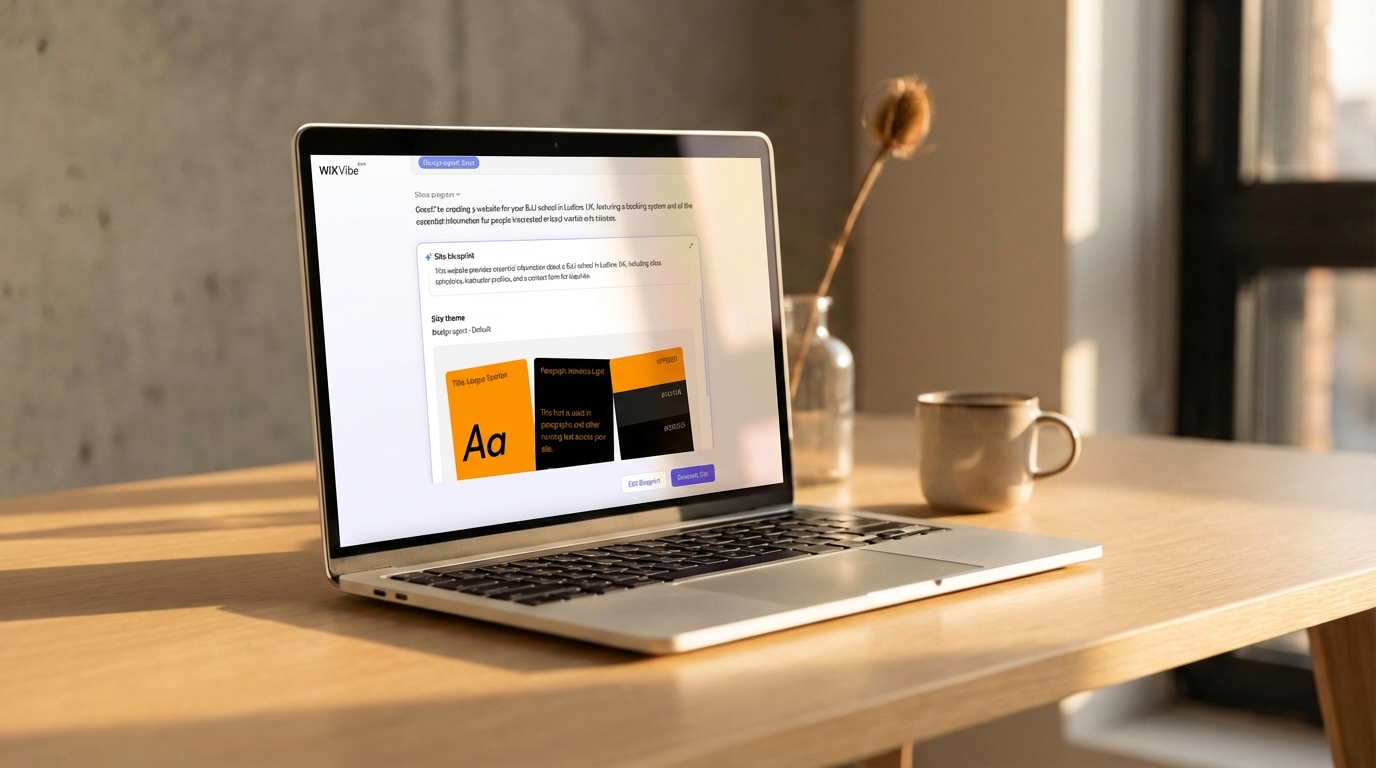
This is where the magic happens. The AI analyzes your input and pulls from thousands of design templates, content libraries, and SEO best practices. It builds your homepage, inner pages, navigation menu, and even writes placeholder copy. You’ll see a live preview as it works—no waiting.
Minute 7–8: Customize and Polish
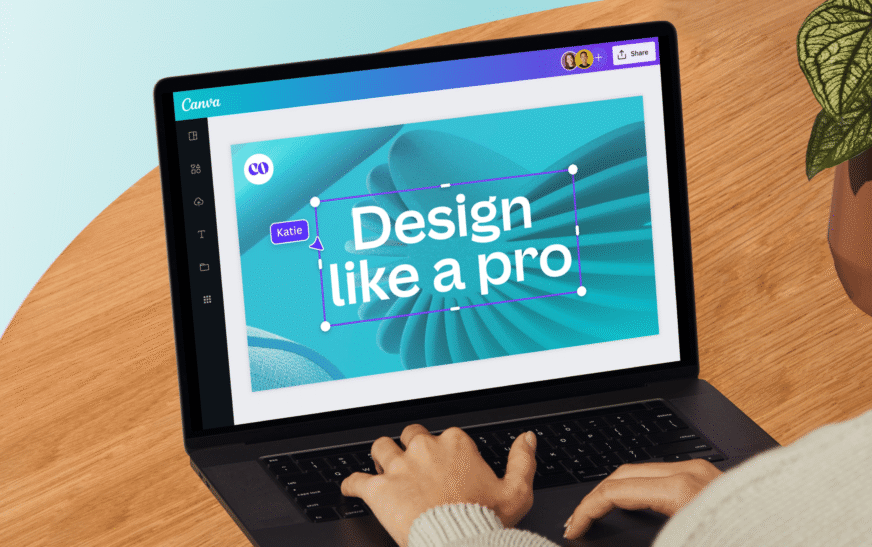
Now it’s your turn to refine. Swap out stock images with your own photos. Edit the text to match your brand voice. Change colors or fonts if needed. Most AI builders have intuitive drag-and-drop editors, so you don’t need design skills. Add your logo, contact info, and social media links.
Minute 9: Connect Your Domain and Publish
You can publish your site on a free subdomain (e.g., yoursite.durable.co) or connect your own custom domain (e.g., yoursite.com). Many platforms offer free domain registration for the first year. Once connected, click “Publish” and your site goes live instantly.
Minute 10: Optimize and Share
Before you celebrate, take a moment to optimize:
- Check mobile responsiveness on your phone.
- Test all links and forms.
- Add meta titles and descriptions for SEO.
- Share your new site on social media or email.
Congratulations—you’ve just built a professional website in 10 minutes!
What Makes AI Website Builders So Fast?
The speed of AI website builders comes from three key technologies: automation, template intelligence, and content generation.
Automation means the AI handles repetitive tasks—like setting up navigation, optimizing images, or configuring SEO settings—without human input. This reduces setup time from hours to seconds.
Template Intelligence refers to the AI’s ability to select the best design layout based on your industry. A restaurant gets a menu-focused design; a photographer gets a gallery-heavy layout. The AI knows what works and applies proven design principles.
Content Generation uses natural language models (like GPT) to write compelling headlines, descriptions, and calls-to-action. Instead of staring at a blank page, you get ready-to-use copy that speaks to your audience.
Together, these features create a seamless, lightning-fast experience. You’re not just building a site—you’re launching a digital presence with minimal effort.
AI vs. Traditional Website Builders: What’s the Difference?
You might be wondering: how do AI website builders compare to traditional tools like WordPress, Wix, or Shopify? The answer lies in simplicity, speed, and intelligence.
Traditional builders require you to choose templates, customize layouts, write content, and configure settings manually. Even with drag-and-drop editors, the process can take hours—or days—especially for beginners.
AI builders, on the other hand, act like a personal web designer. They ask questions, understand your needs, and deliver a complete, optimized site in minutes. They also learn from user behavior and can suggest improvements over time.
That said, AI builders may offer less granular control than WordPress. If you need highly customized functionality (like complex plugins or custom code), a traditional platform might be better. But for most users—especially small businesses and solopreneurs—AI builders provide the perfect balance of speed, ease, and quality.
Common Misconceptions About AI Website Builders
Despite their growing popularity, AI website builders still face skepticism. Let’s clear up some common myths:
Myth 1: “AI sites look generic.”
Modern AI builders use advanced design algorithms and diverse template libraries. Your site won’t look like everyone else’s—especially if you customize it with your branding and content.
Myth 2: “You can’t edit anything after publishing.”
Most AI platforms allow full editing post-launch. You can change text, images, layouts, and even add new pages anytime.
Myth 3: “AI builders are only for simple sites.”
Many AI tools now support e-commerce, blogs, membership areas, and integrations with tools like Mailchimp, Google Analytics, and Zapier. They’re capable of handling complex websites.
Myth 4: “They’re expensive.”
While premium plans exist, many AI builders offer free tiers or low-cost subscriptions starting at $10–$15/month. That’s far cheaper than hiring a developer.
Tips to Maximize Your AI Website Builder Experience
To get the most out of your 10-minute website, keep these pro tips in mind:
- Be specific in your inputs. The more details you give about your business, the better the AI can tailor your site.
- Use high-quality images. While AI can suggest stock photos, uploading your own visuals makes your site more authentic.
- Optimize for mobile first. Most AI builders are mobile-responsive by default, but always preview on your phone.
- Add a clear call-to-action. Whether it’s “Book Now,” “Contact Us,” or “Shop,” make it easy for visitors to take the next step.
- Enable SEO features. Turn on meta tags, alt text, and sitemap generation to help your site rank on Google.
- Test before publishing. Use the preview mode to check for broken links, typos, or layout issues.
Key Takeaways
- AI website builders let you create a professional site in under 10 minutes—no coding or design skills needed.
- Top platforms like Durable, 10Web, and Wix ADI use AI to generate layouts, content, and SEO settings automatically.
- The process involves answering a few questions, letting the AI build your site, customizing the design, and publishing.
- AI builders are faster, smarter, and more user-friendly than traditional website tools.
- You can edit, optimize, and scale your site after launch—AI is just the starting point.
FAQ
Can I really build a website in 10 minutes with AI?
Yes! With platforms like Durable or 10Web, you can go from zero to a live, functional website in under 10 minutes. The AI handles design, content, and setup, so all you need to do is provide basic information and make minor tweaks.
Are AI website builders free?
Many offer free plans or trials, but full features (like custom domains, e-commerce, or advanced SEO) usually require a paid subscription. Prices typically start around $10–$20 per month, which is still far cheaper than hiring a developer.
Will my AI-built website rank on Google?
Yes, if optimized properly. Most AI builders include SEO tools like meta tags, fast loading speeds, mobile responsiveness, and clean code—all factors Google loves. You can further boost rankings by adding quality content, backlinks, and local SEO details.
Final Thoughts
Gone are the days when building a website meant weeks of learning code or paying thousands for a designer. With AI website builders, anyone can launch a beautiful, functional site in just 10 minutes. These tools are not just convenient—they’re revolutionary. They democratize web design, empower entrepreneurs, and accelerate digital growth.
Whether you’re starting a blog, promoting a service, or selling products online, AI builders give you the speed and simplicity you need to succeed. So why wait? Pick a platform, answer a few questions, and watch your digital presence come to life—before your next coffee break.